
🎉 Taqtics Product Release Update January 2026
This release brings powerful AI insights, richer reporting, better control on tickets, and multiple creator-experience enhancements across Reports, Creator Mode, Tickets, Processes, and Assets.
📊 Reports & Analytics Enhancements
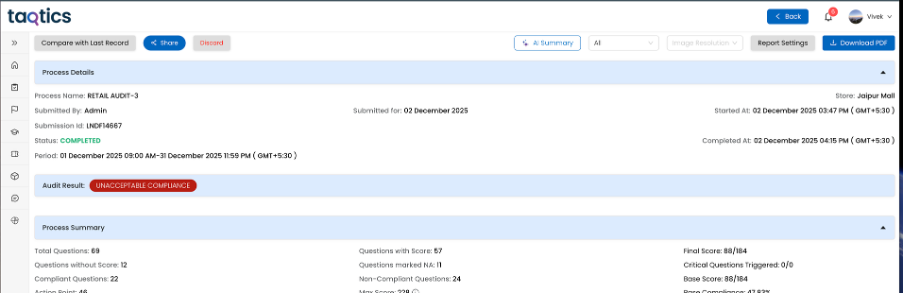
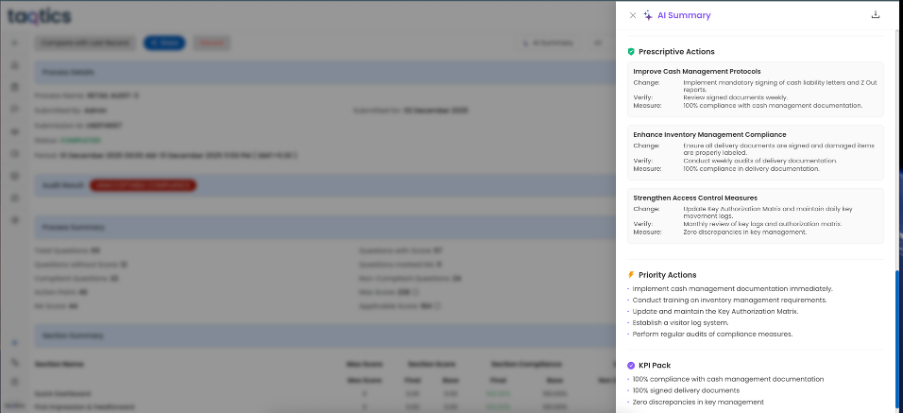
🔹 AI-Based Risk Summary for Audits & Processes
AI-generated risk summaries can now be displayed in Reports.
(Available only for tenants with AI activated)
🔹 BI Dashboard horizontal graph enhancements
Improved readability and layout for group charts, now supports horizontal bar charts
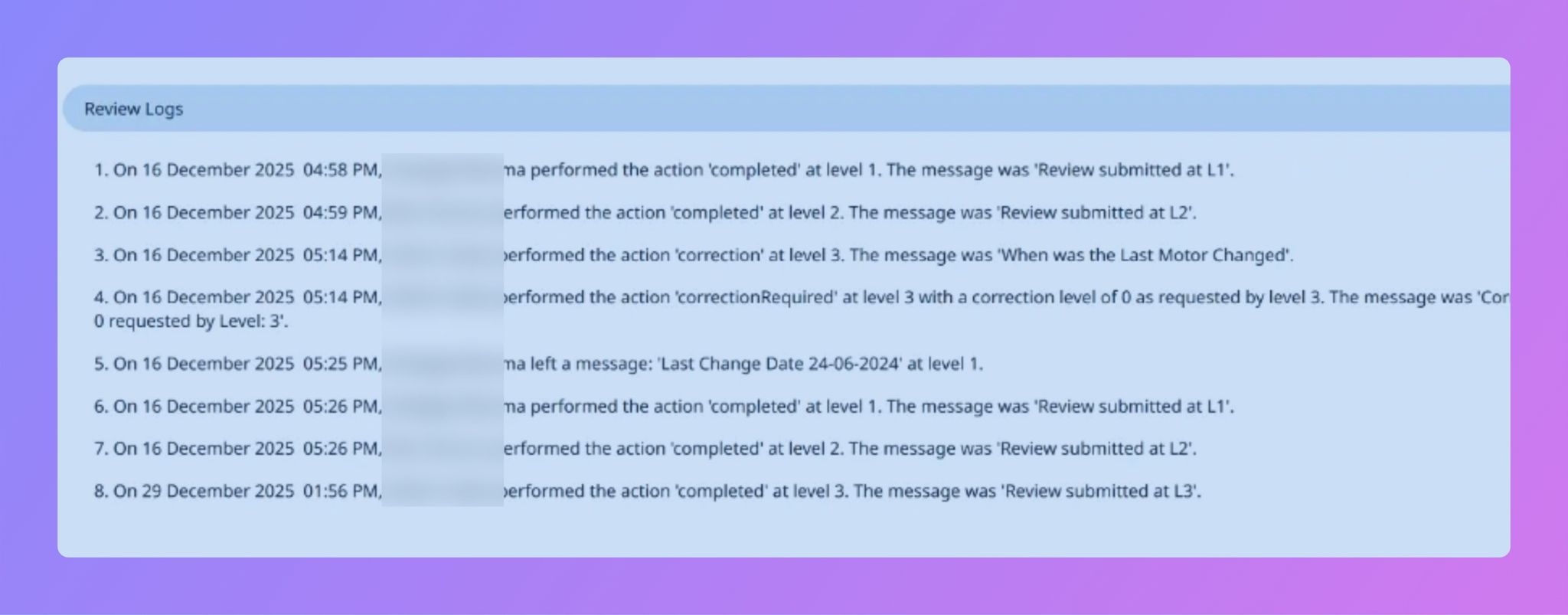
🔹 Review Comments in Reports & PDFs
Reviewer comments are now visible as structured Event Logs in:
- Submission Reports
- PDF Exports
- Visual Reports PPT
🔹 CSV Downloads with Event Logs
CSV exports now include event log columns across:
- Org Report
- My Report
- Store Report
- Process Report
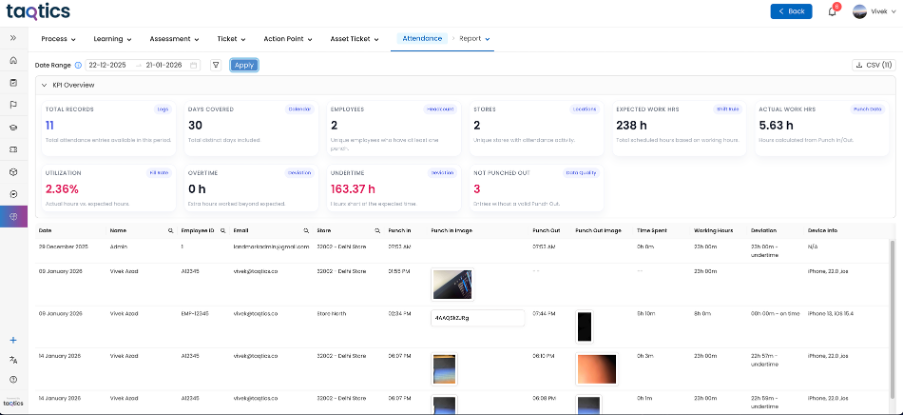
🔹 Attendance Report in Standard Reports
Attendance reports are now available as part of normal reporting, visible based on hierarchy and tenant configuration.
🔹 Multi-Select & Comma-Separated Answers in BI
Short answers with multiple selections now appear as independent values in BI dashboards, improving aggregation accuracy.
🔹 Org Report Setting Enhancement
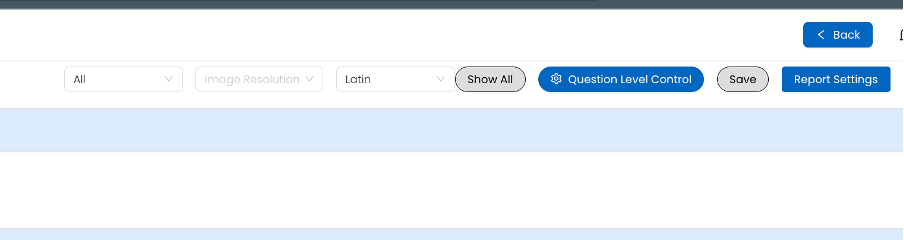
Option to display all questions of a form, even when dependent responses are not triggered.
Creator can choose to do granular configuration using “Question Level Control”
🔹 Remove “Powered by Taqtics” from PDF Reports
Creators can now remove branding from PDF report pages.

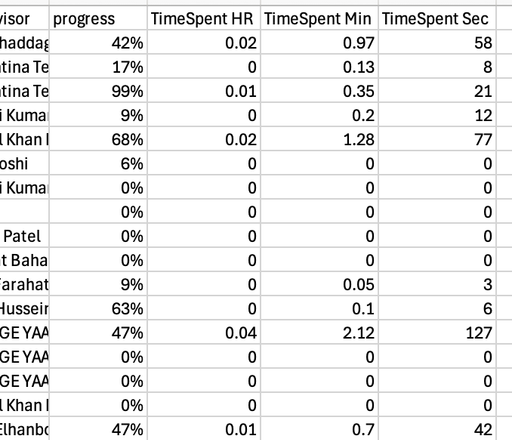
🔹 Learning Reports now show the data in Hour, Minutes and Seconds uniquely
🎓 Creator Mode Improvements
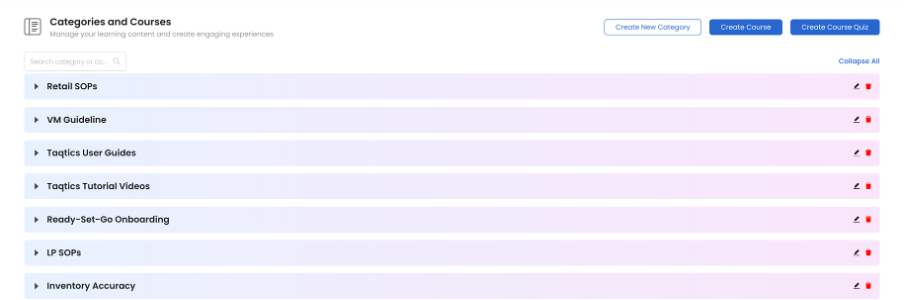
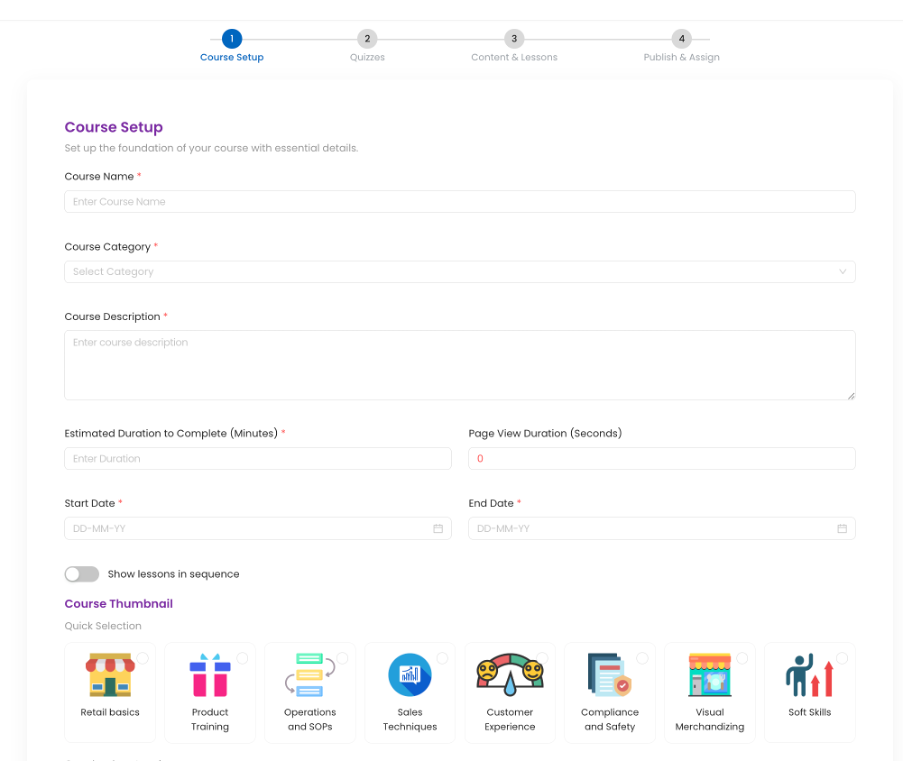
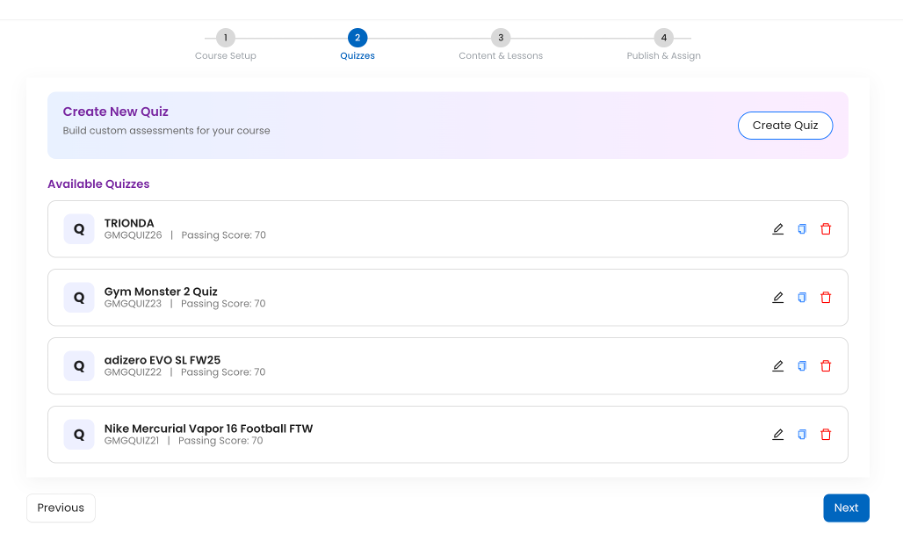
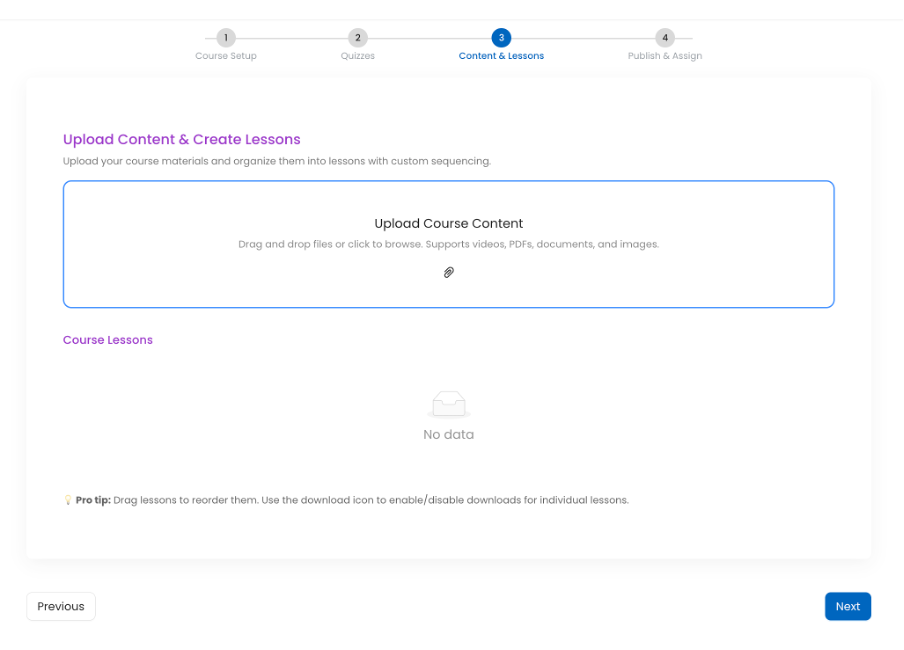
✨ Learning Management Creator Flow Refresh
The course creation and management flow now features a modern, contemporary design.
✨ Summary Insights Added Across Key Pages
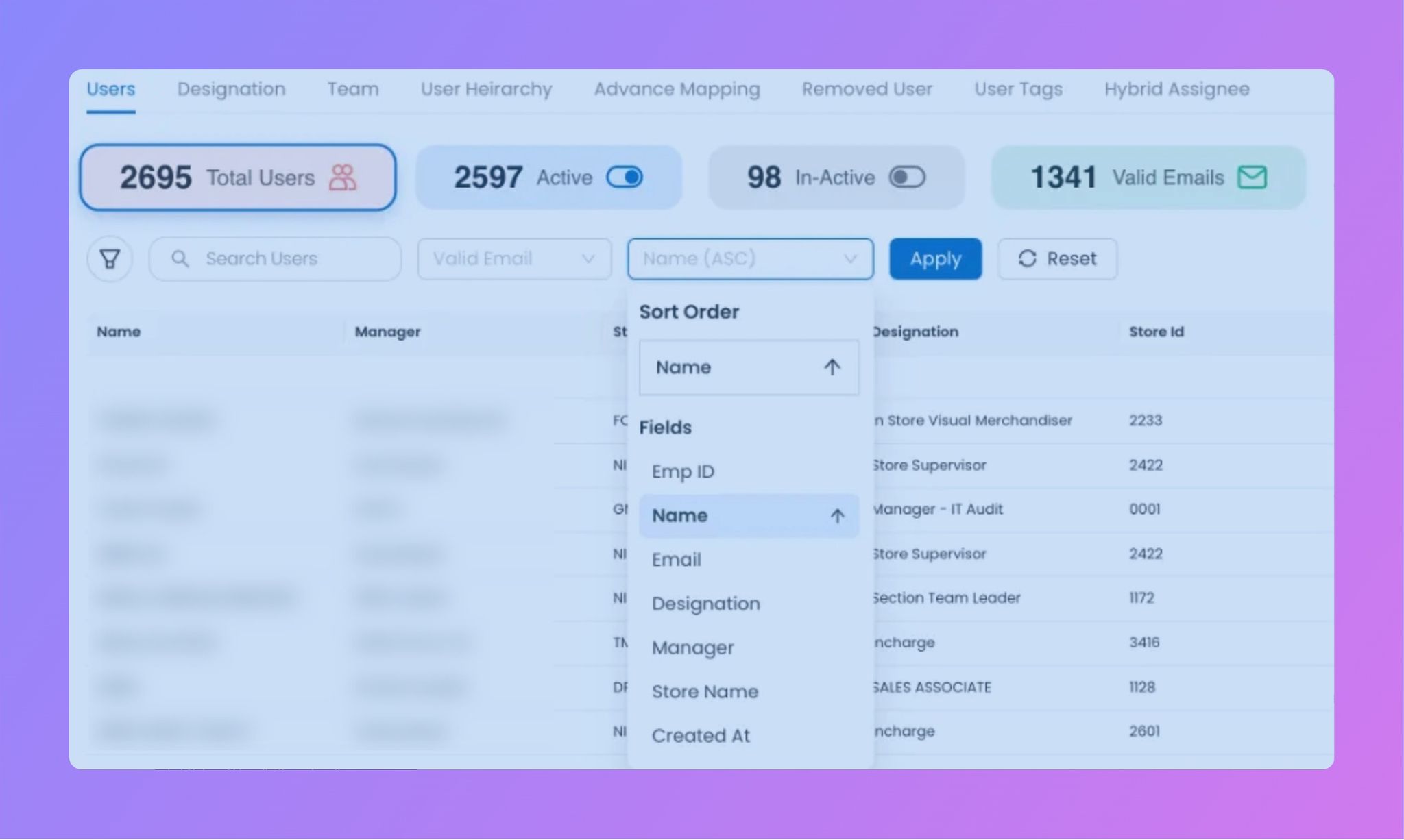
Quick summary sections have been added at the top of key Creator Mode pages to provide instant visibility and insights, including:
- Users
- Entity
- Process
- Audit
These summaries help admins and creators quickly understand scale, status, and distribution without scanning full lists.

✨ Improved Search & Sorting for Users and Stores
The search experience for Users and Entities (Stores) has been enhanced to be more intuitive and faster, with:
- Optimized search responsiveness
- Ascending and descending sorting support
- Improved field-based sorting for quicker discovery and management
This significantly improves usability, especially for large datasets.
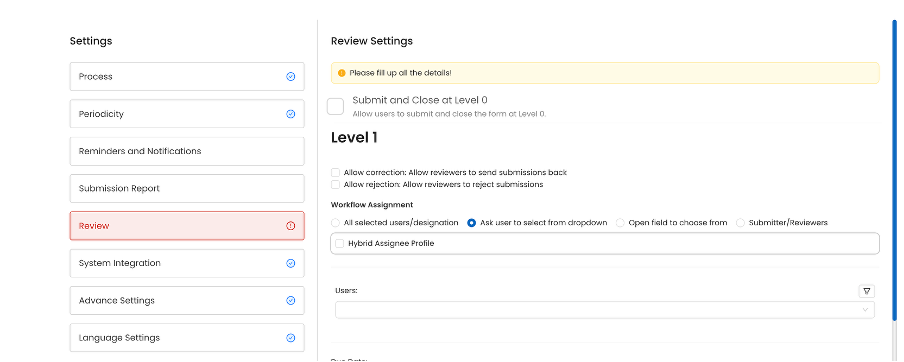
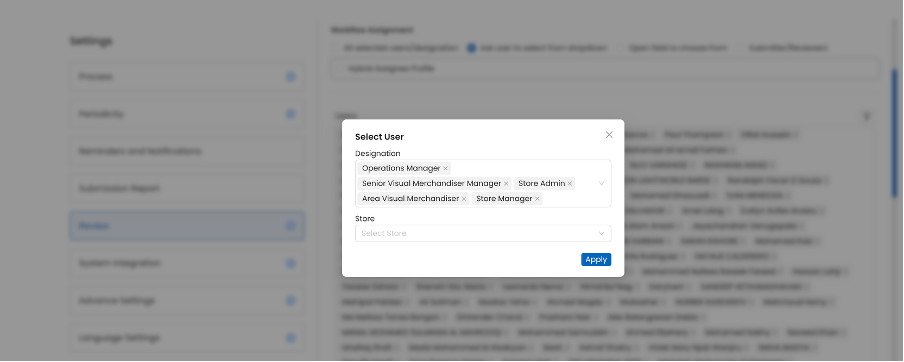
✨ Designation-Based Assignee Selection on “Ask user to select form dropdown”
Creators can now assign tasks or learning to users by selecting a designation from a dropdown.
✨ Download Video Files from Courses
Video files can now be downloaded directly from the Create Course and Edit Course flows.
✨ Hide Inactive Users from Assignee Pages
Inactive users are no longer shown while assigning tasks, tickets, or courses.
✨ New Assessment Certificate Template
Added a new certificate design with an optional Show Score toggle.
🎫 Tickets & Action Points Enhancements
⏱️ Cumulative On-Hold Duration Tracking
On-hold time is now calculated cumulatively across the lifecycle of a ticket or action point.
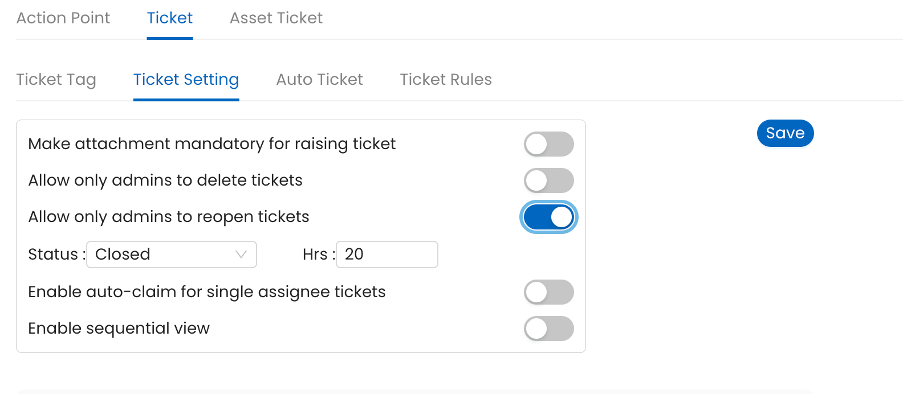
🔐 Configurable Reopen Controls
Tickets and Action Points can now be configured to:
- Be reopened only by Admin
- Allow reopening only after a defined time interval
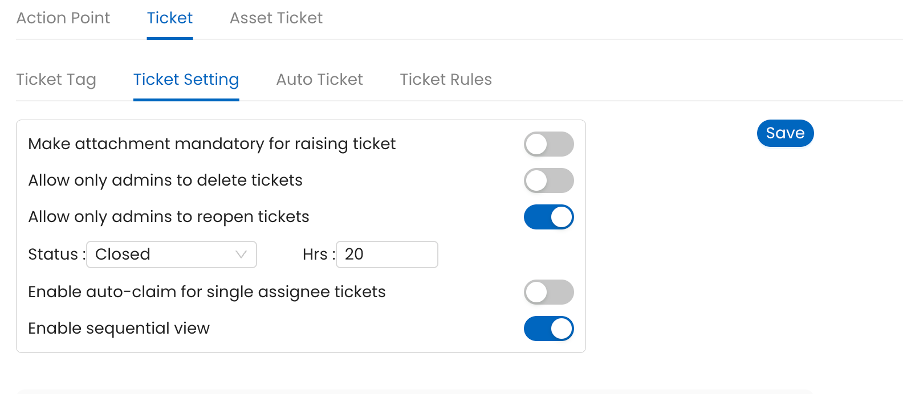
🧭 Ticket Drill-Down now support sequential drill down
Enhanced drill-down experience with a sequential view for better user experience
📝 Process & Audit Updates
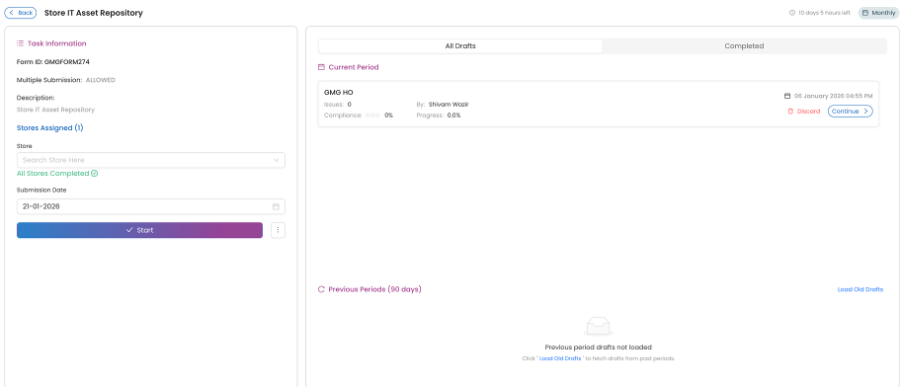
🖌️ Process Detail Screen Refresh
The Process Detail screen has been redesigned to align with the latest contemporary UI standards.
🧩 Assets Module Enhancement
📦Multi-Select Question Support in Asset Tables
Assets now support multi-select question types, enabling richer asset metadata management
🧱 Built with ❤️ by the Taqtics Product Team