
This section is all about setting up and managing your org on Taqtics. From creating your company account to building teams, assigning users, defining feature access by role, and customizing how things look — Administration is your starting point.
Whether you're onboarding your first few stores or scaling to hundreds, these tools help you manage people, permissions, and internal comms (like your Noticeboard). You’ll also find configuration tools like Tags here to help organize your data better across the platform.
Start Here: Set Up Your Basics
Before you roll out any processes, audits, learning modules, or action points in Taqtics, you need to set up your foundation.
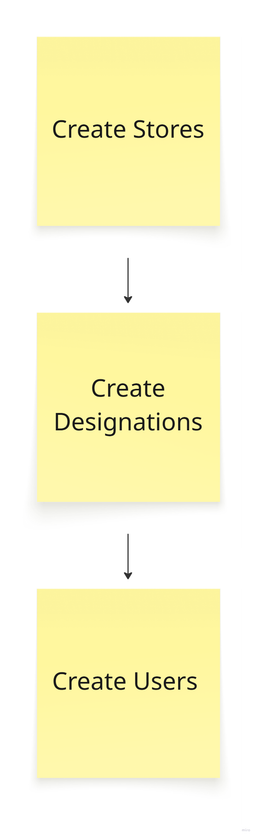
Step 1: Create your Stores Step 2: Add your Designations (roles or positions) Step 3: Create Users
These stores and users are what you’ll assign your processes, audits, learning modules, action points, tickets, and other features to
Continue with👇
Set Up Your Stores & Store TagsAdding Teams & UsersFeature permission by designationsCreating your NoticeboardManage Tags