
What is Security Settings in Taqtics
Taqtics gives you control over who logs in and how they log in. The Security Settings page is where Admins can set rules to keep the platform safe for everyone — whether that’s requiring two-factor authentication or forcing regular password changes. These rules apply platform-wide and help ensure that only the right people have access, the right way.
How to access?
You can access the Security Settings screen by heading
- Log in to Taqtics.
- Click on the Creator Mode from the top-right corner.
- Under the Settings column, select Security Settings.
This is where you’ll manage login rules for both Admins and users.
Platform Security Policy Configuration
Setting | What it does |
Enable Two Factor Authentication for Admin login | Adds an extra security layer for Admins by asking for an OTP sent via email at login. |
Enable Two Factor Authentication for User login | Security layer for Regular users. OTP is required on email every time they log in. |
Enable Password Rotation | Forces users to reset their password every 90 days. Helps keep accounts safe even if old passwords get leaked. |
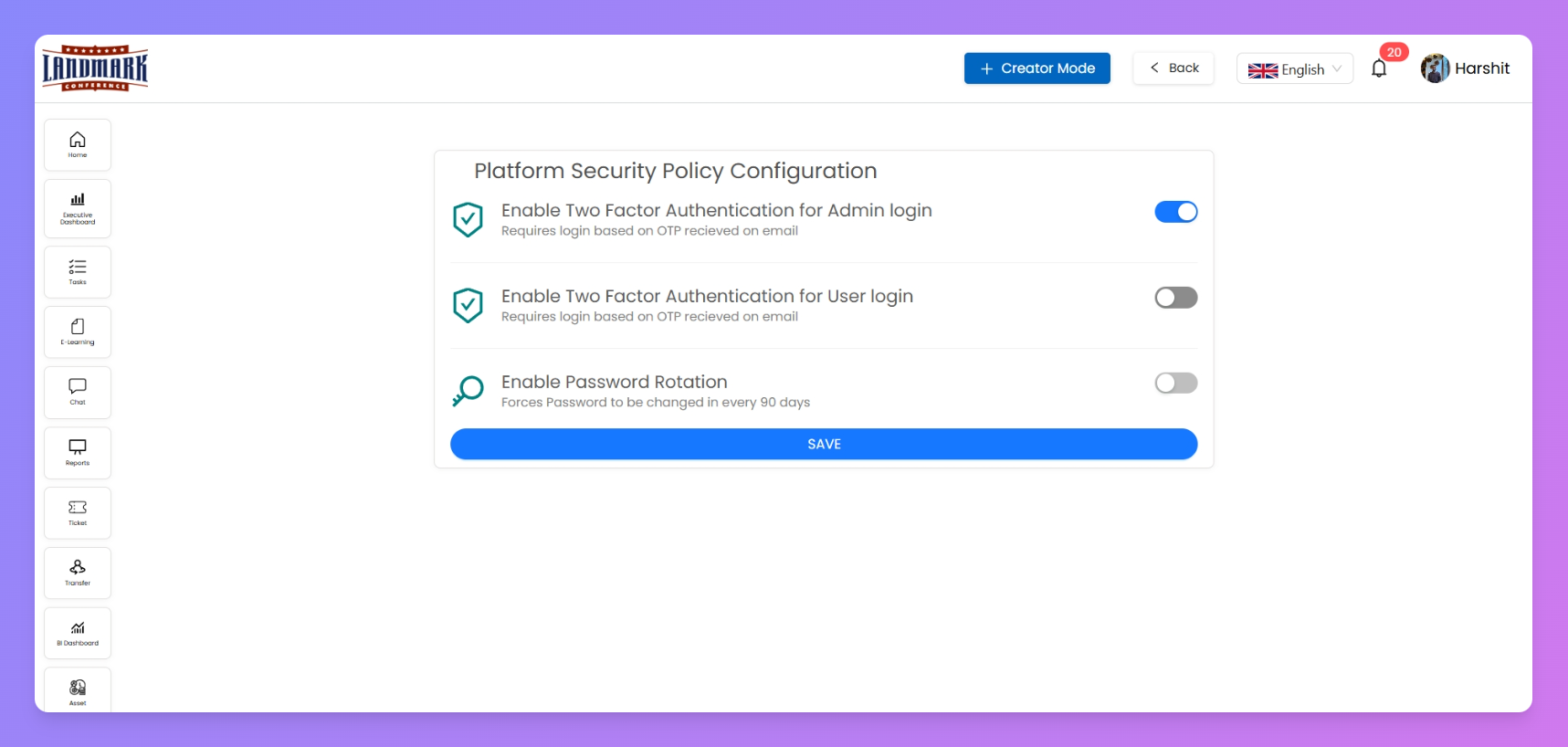
These settings are applied instantly once enabled, and affect all users or admins based on the toggle you've set.