
Action Points can be set up while creating or editing a question inside any process or audit. Based on how you want the flow to work, you can configure it to be filled manually by the submitter, or get automatically triggered based on a selected response.
Let’s look at both options below 👇
Configure Manual Action Point
If you want the user to raise an Action Point only when needed, go for the manual config.
Here's how to enable it:
- In the question builder, look for the ⚪ Action Point Enhancement icon.
- Click it — the button will turn blue 🔵 once enabled.
- Tap on the Settings icon next to it.
- A right-side settings panel will slide in.
- Under
Action Point Type, choose Manual.
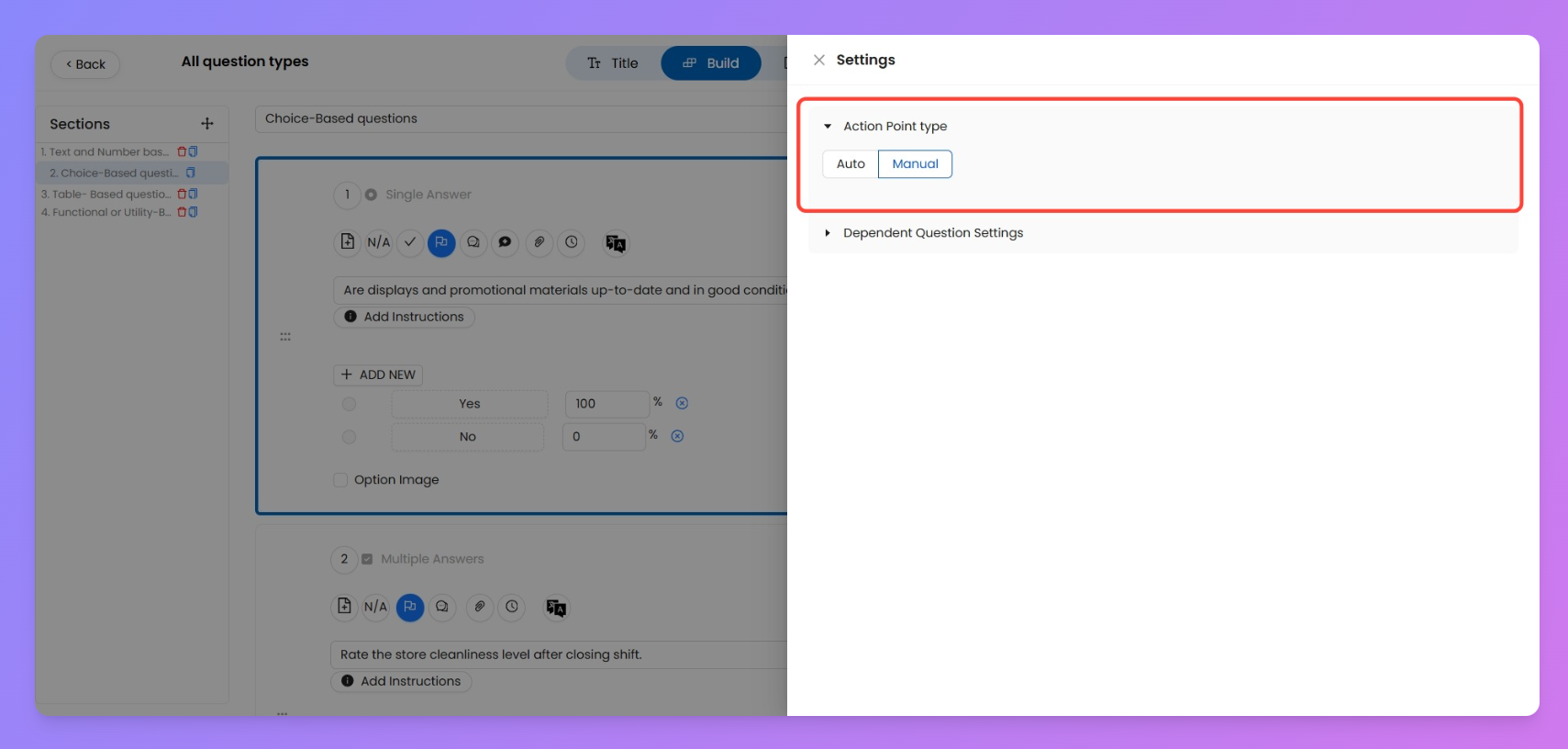
That’s it. You don’t need to fill anything else — the submitter will enter all the required fields (like title, description, assignee, etc.) while raising the action point manually during submission.
Configure Auto Action Point
Auto Action Points are powerful — they trigger based on specific answers and already include all the required metadata.
To set it up:
- Click the Action Point Enhancement icon and open Settings.
- Under
Action Point Type, select Auto.
- Fill out the following details in the auto-config form:
Field | What It Controls |
Title for Auto Action Point | Default name that shows in every triggered case |
Description | Context for the task created |
Attachment | Upload an image if needed (optional) |
Trigger Options | Select which responses will trigger the action point (e.g. “Bad”, “No”) |
Action Point Assignee | Choose between Custom user or dropdown-based logic |
Priority | Set to Low, Medium, or High |
Due Date | Define the deadline in Days / Hours / Minutes |
Users | Choose who gets the action point ↳ 1) Custom or 2) As Per Dropdown Question |
Designation | Map to a specific role |
Escalate To | Add users to notify or involve if needed |
Closure Required From | Decide if initiator or a custom user will close it post-completion |
Once saved, this config will work every time the specified option is selected — and users won’t need to fill a thing.