
What is setting up a Audit at Taqtics?
Audits in Taqtics help you track compliance, spot gaps, and ensure quality standards are met across locations. Whether it’s a monthly review, a compliance check, or a detailed quality inspection, you can design your audit from scratch with custom sections, scoring, and rules.
This page gives you a quick overview of setting up an audit.
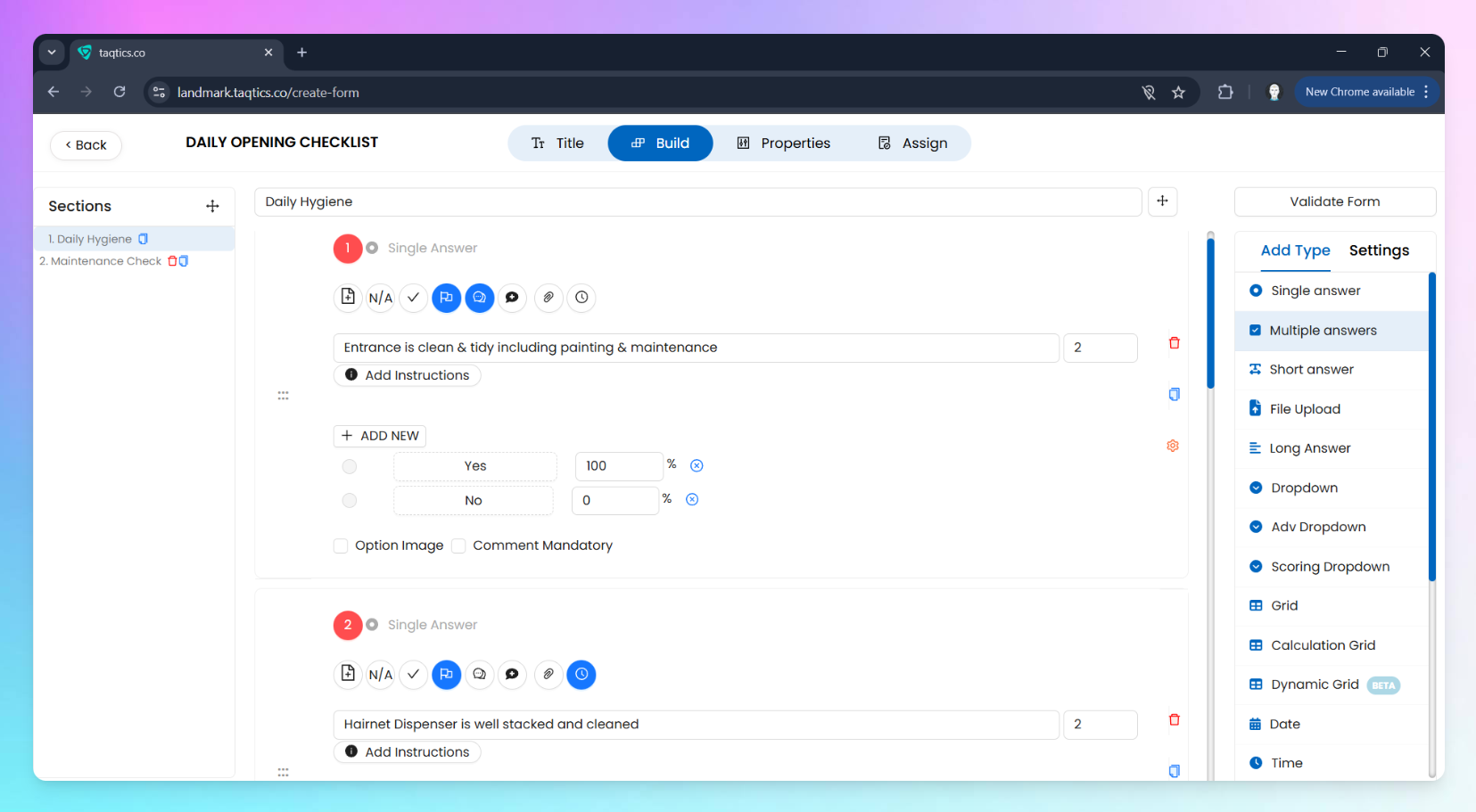
Quick Steps to Set Up a Process
- From the landing page, tap the Creator Mode button on the top-right corner.
- Click Processes & Workflow under the Creator Mode column.
- Hit + New under Audit.
- Add a Title and Description for your audit. Use Process Tags to group audit under categories
- Now, switch to the Build tab:
- Start adding your questions.
- Organize them using sections or pages.
- Go to the Properties tab:
- Choose settings like Audit status, frequency, visibility rules, reminder logic, and more.
- Head over to Assign tab:
- Select who should fill it and from which stores.
- Hit Publish—you’re live!
Continue With 👇
Configure Questions & FeaturesSet Audit PropertiesAssign & Publish Your Audit