
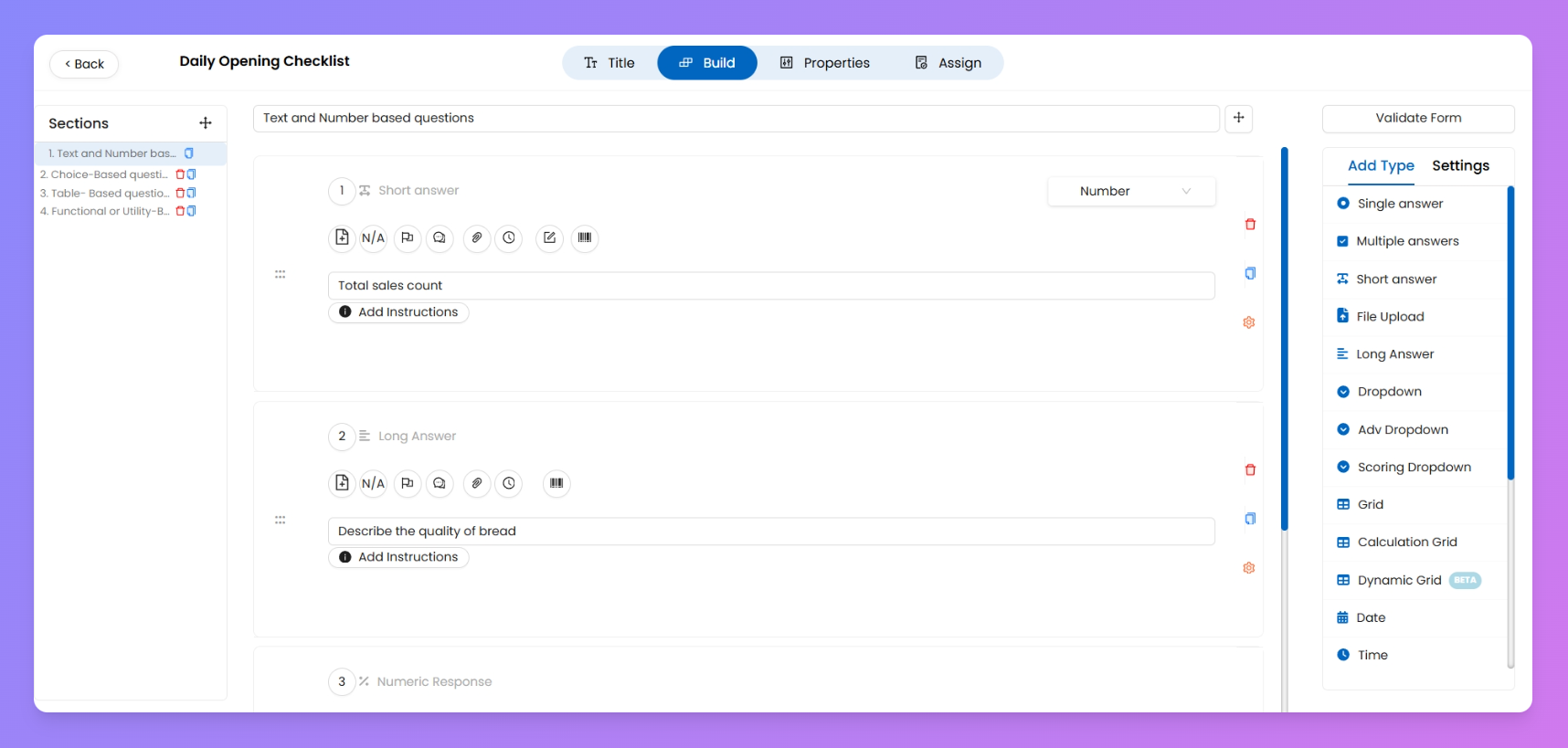
In this section, you’ll learn how to add and configure questions in your process — from selecting the right question type to enhancing it with add-ons like NA, timestamps, and image uploads. You'll also explore advanced features like scoring, visual tags, multi-level reviews, and connecting your process with asset data for autofill or updates. Whether it’s a daily checklist or a complex workflow, this section helps you build smart, field-ready questions.
Here’s what you’ll find in this section:
- Different types of questions you can add to a process — from text and dropdowns to photo uploads and checkboxes.
- Powerful add-ons like N/A toggle, comments, file attachments, and more to make your questions interactive and useful.
- Visual Tags for tagging specific questions (like 'Window Display') — perfect for retail visual merchandising use cases.
- Multi-level Review setup to let your process be reviewed and approved by L1, L2, or more, even after the initial submission.
- Connect Process with Assets to fetch and update store-level data automatically while filling the process.
- Question Scoring & Option Settings to assign marks, set logic, and define criticality for better reporting.
Basically, if it touches the question block of your process, you'll find it documented here.
Continue With 👇
Adding different Question Types Add-ons with QuestionsAdd Tags for Visual MerchandisingSet Question Scoring and Answer OptionsTurn On Review Connect Process with Assets